Personalized AI Anime-style Image Generation: What You Need to Know
Last updated November 2026
We may earn a commission when you sign up through our links. This does not change how we review. Affiliate disclosure · How we review
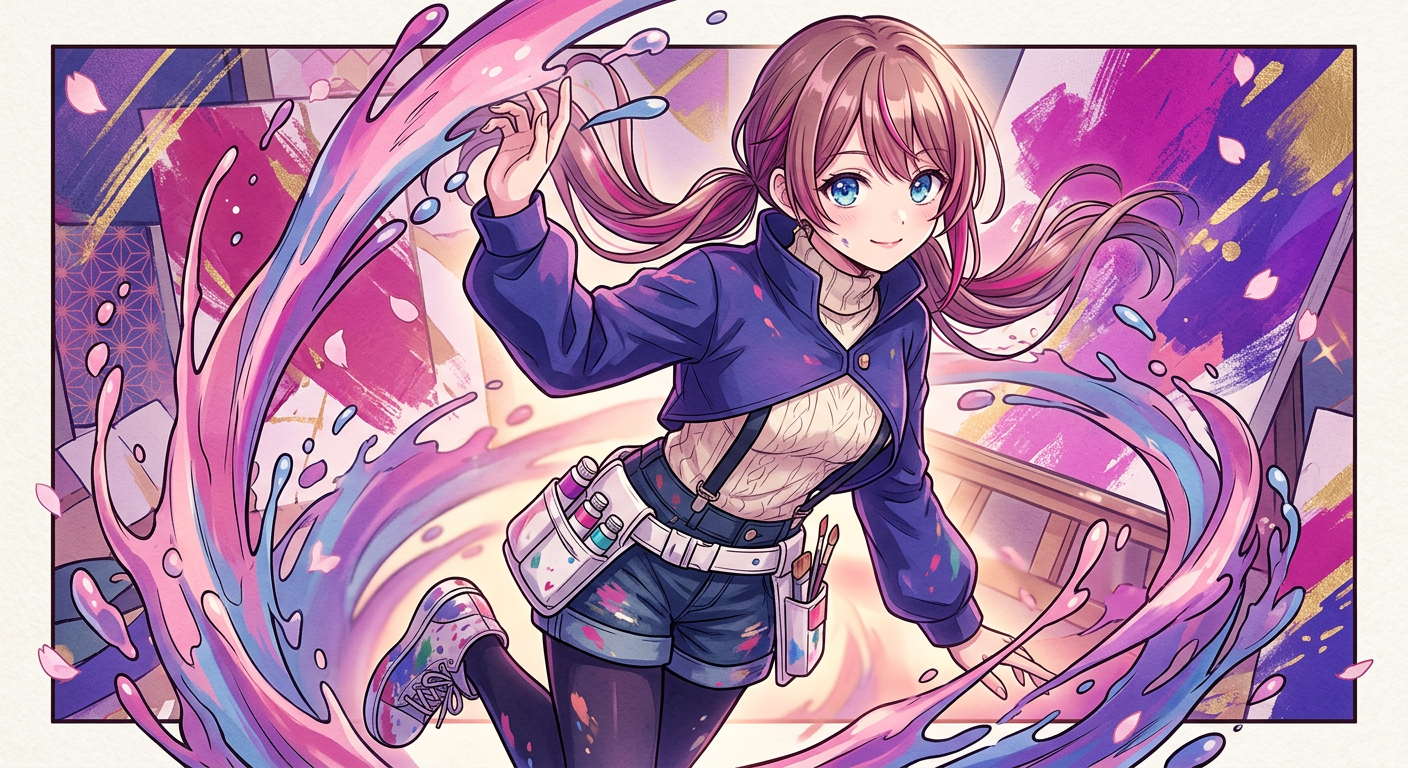
If you've ever wondered why one AI anime-style generator turns out gorgeous, consistent images and another spits out melted-face nightmares, the answer is almost never about which company has more GPUs. It's about the model and how it was tuned.
Here's a plain-English walkthrough of what's actually happening under the hood, what to look for in a tool, and how to set yourself up for the best results without learning Stable Diffusion the hard way.
What an AI anime-style generator actually does
At the core, every modern AI anime-style generator is a diffusion model. It starts with random noise and gradually 'denoises' it into an image, guided by your prompt and the model's training data. The interesting part is the training data — that's what determines whether you get illustrated anime quality anime output or vaguely anime-flavored generic art.
Most of the platforms in the best tools roundup have either fine-tuned an open base model or built proprietary tuning on top. The ones that did the work show it in the output.
Why prompts only matter so much
You'll see Reddit threads where someone shares a 400-token 'magic prompt.' Ignore most of them. On a well-tuned model, a clear short prompt gets you 90% of the way there. The rest comes from the model itself, the LoRAs or styles the platform supports, and your willingness to regenerate a few times.
If you find yourself fighting the model with longer and longer prompts to get a basic result, that's the model losing, not you prompting wrong.
Consistency is the real benchmark
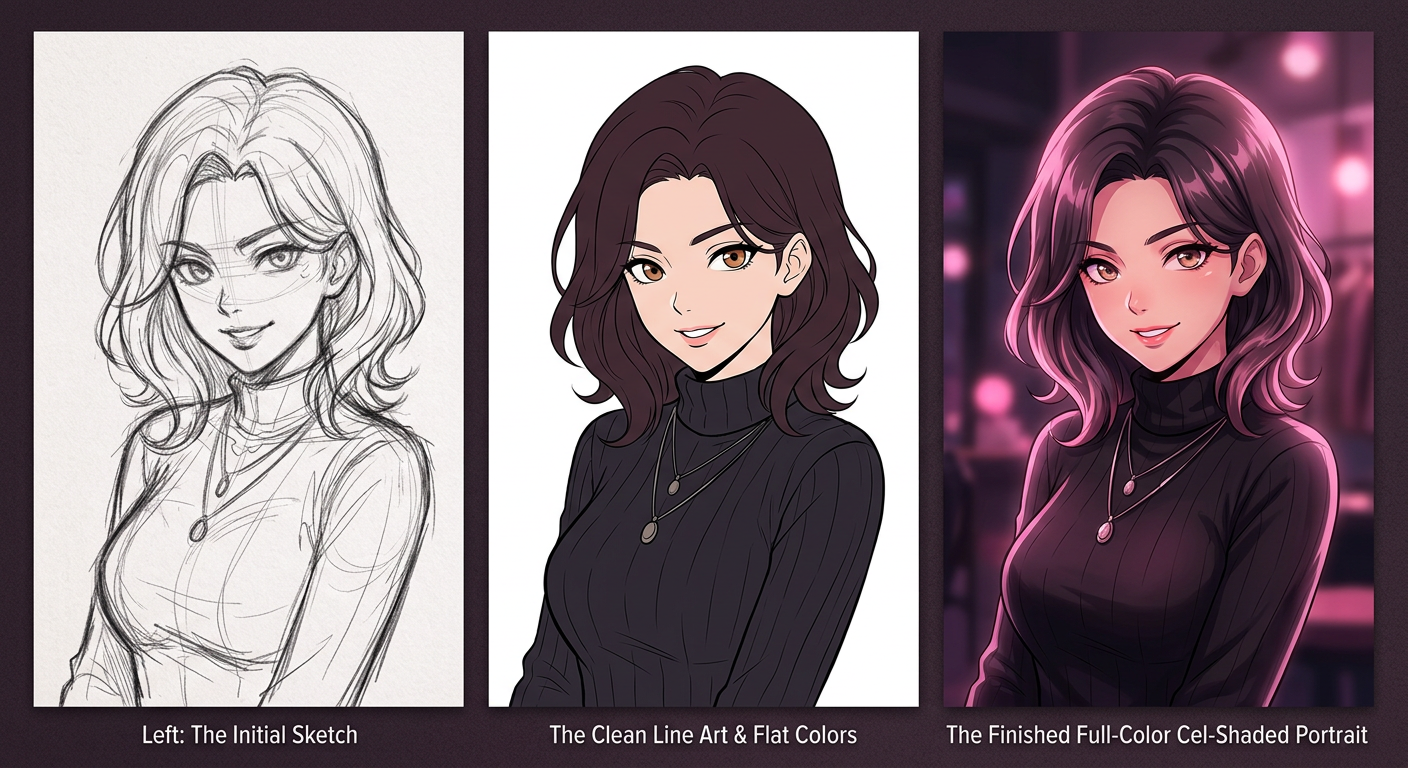
Anyone can hand-pick one stunning image. The real test is generating the same character in five different scenes and outfits without her face shifting around. That's the kind of consistency a good AI anime-style maker delivers, and it's what makes a platform actually fun to use.
When you're testing a platform, generate the same character five times in five different scenarios. If the first three look like sisters and the last two look like strangers, that's your tell.
Resolution, upscaling, and the trap of big numbers
Bigger isn't always better. A platform claiming 4K output is meaningless if the underlying model is generating at 768 and upscaling sloppily. Look at the actual output, not the marketing spec sheet.
Most of the time, a clean 1024 native image looks better than a poorly upscaled 4K one. Trust your eyes over the resolution badge.
Where to start
If you just want the easiest path to good results, start with the platforms ranked on the main AI anime girlfriend page. Ourdream and Candy are both solid for image-first use cases. For tips on designing your character once you've picked a tool, my customization guide walks through the workflow I use.
Generation gets a lot more fun once you stop fighting the tool and start working with it. Pick a platform that gets you there quickly.
Ready to try the best AI anime-style maker?
See our full ranking of the top AI anime-style generators and pick the one that fits your style.
See top picks